Article · 19 minutes
From Failure to Fix: How AI Helps Solve SEO Problems in Hours, Not Weeks
How to use AI for SEO decision-making, traffic analysis, technical troubleshooting, and early risk detection.

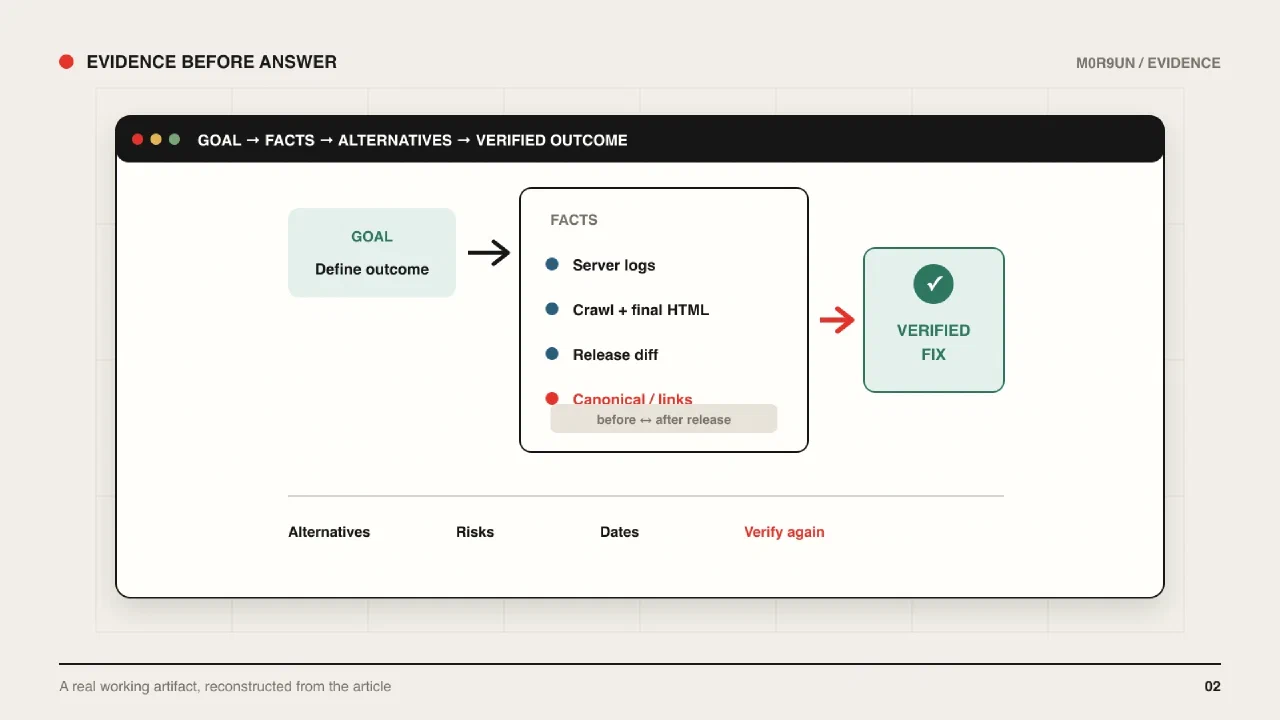
Most conversations about AI in SEO revolve around content generation, code, and automating repetitive tasks. My work is a little different. As a consultant, I constantly deal with different websites, markets, languages, and highly specific tasks that may never recur. That is why I care less about automating a single operation and more about automating the thinking process around it: how to make a decision, catch a risk, investigate a traffic drop quickly, and spot a technical issue before it grows.
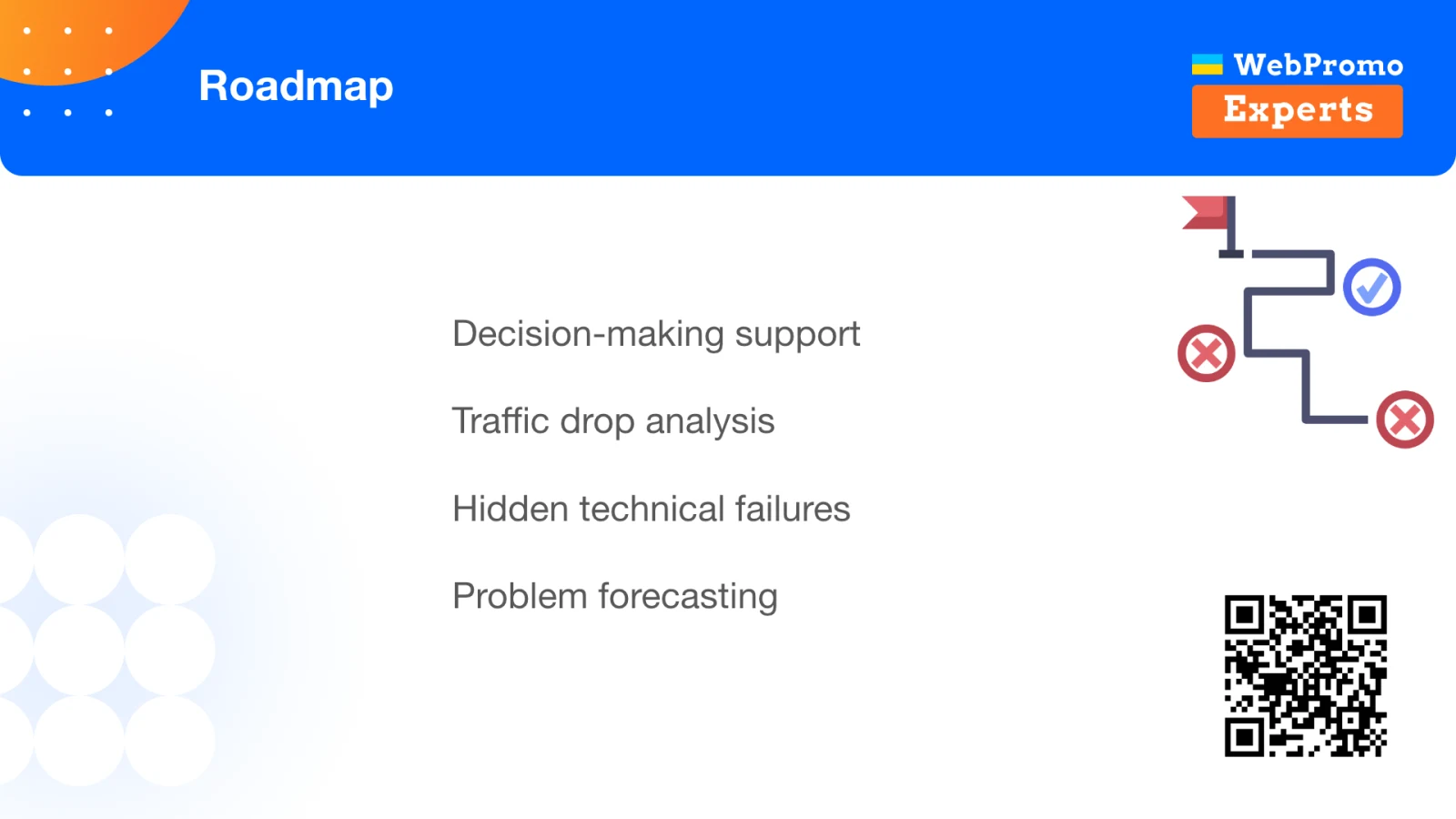
AI is neither a magic button nor a replacement for an SEO specialist. I treat it as an extra pair of eyes that helps me gather context, test hypotheses, and free up some attention. This article covers four areas where that approach is particularly useful: decision-making, traffic analysis, technical troubleshooting, and anticipating future failures.
This article is based on my talk at the WebPromo Experts AI SEO Day conference on February 18, 2026.
The opening slide deliberately frames AI as a diagnostic accelerator. The subject is not faster content production, but a shorter and more inspectable path from a failure to its cause, decision, and fix.
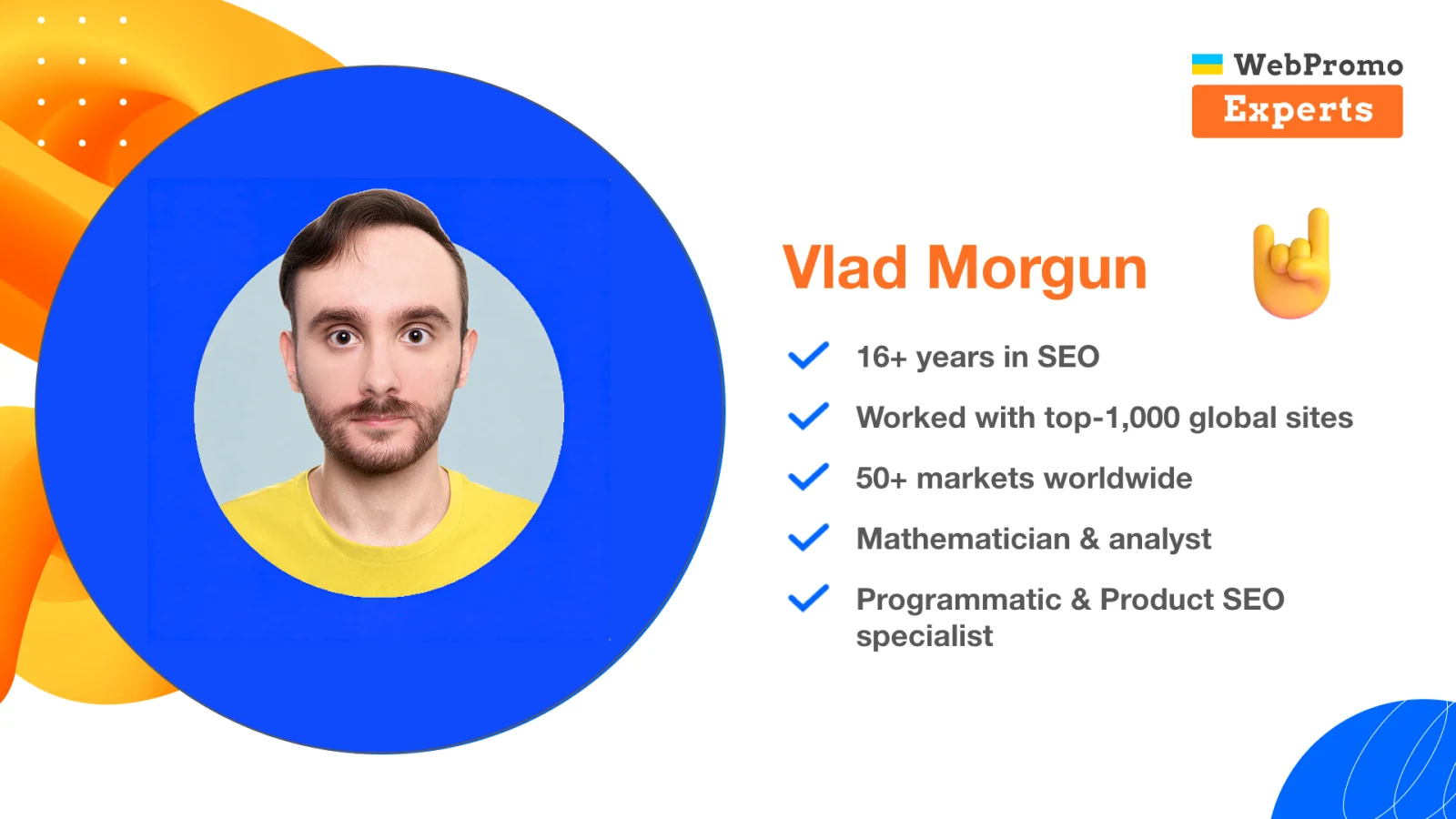
The examples come from product and programmatic SEO work across large international websites. At scale, a small error can be reproduced across millions of pages, so the investigation process has to be both fast and reproducible.
What I Mean by an SEO Failure
A failure is a critical mistake - an unexpected problem, or one that has simply been ignored for too long - that leads to lost traffic, rankings, and revenue. It may stem from human error, a technical change, or a decision whose consequences nobody followed through to the end.
Large, mature projects tend to accumulate legacy code. Sometimes a site drops after a Core Update not because Google made some mysterious decision, but because a problem had been sitting in the codebase for years. For example, a responsive layout might be implemented in a way that repeats the same product information several times in the HTML: once for desktop, once for mobile, and again for other display variants. It sounds like a mistake from 2006, yet these things still happen in 2026.
That is why my first rule is simple:
If something is wrong with the site, we are probably responsible.
Start by checking your own releases, template changes, content changes, and internal linking. Only then should you blame the drop on another Google update.
The underlying problem is that people cannot keep everything in their heads. Our time, energy, and cognitive capacity are limited. We lose focus, fall into cognitive traps, and make emotional decisions. Once traffic is already falling, time works against us. AI does not remove those limitations, but it can reduce the attention spent on mechanical work and systematically check the things people tend to miss.
Not One Big AI, but Several Narrow Roles
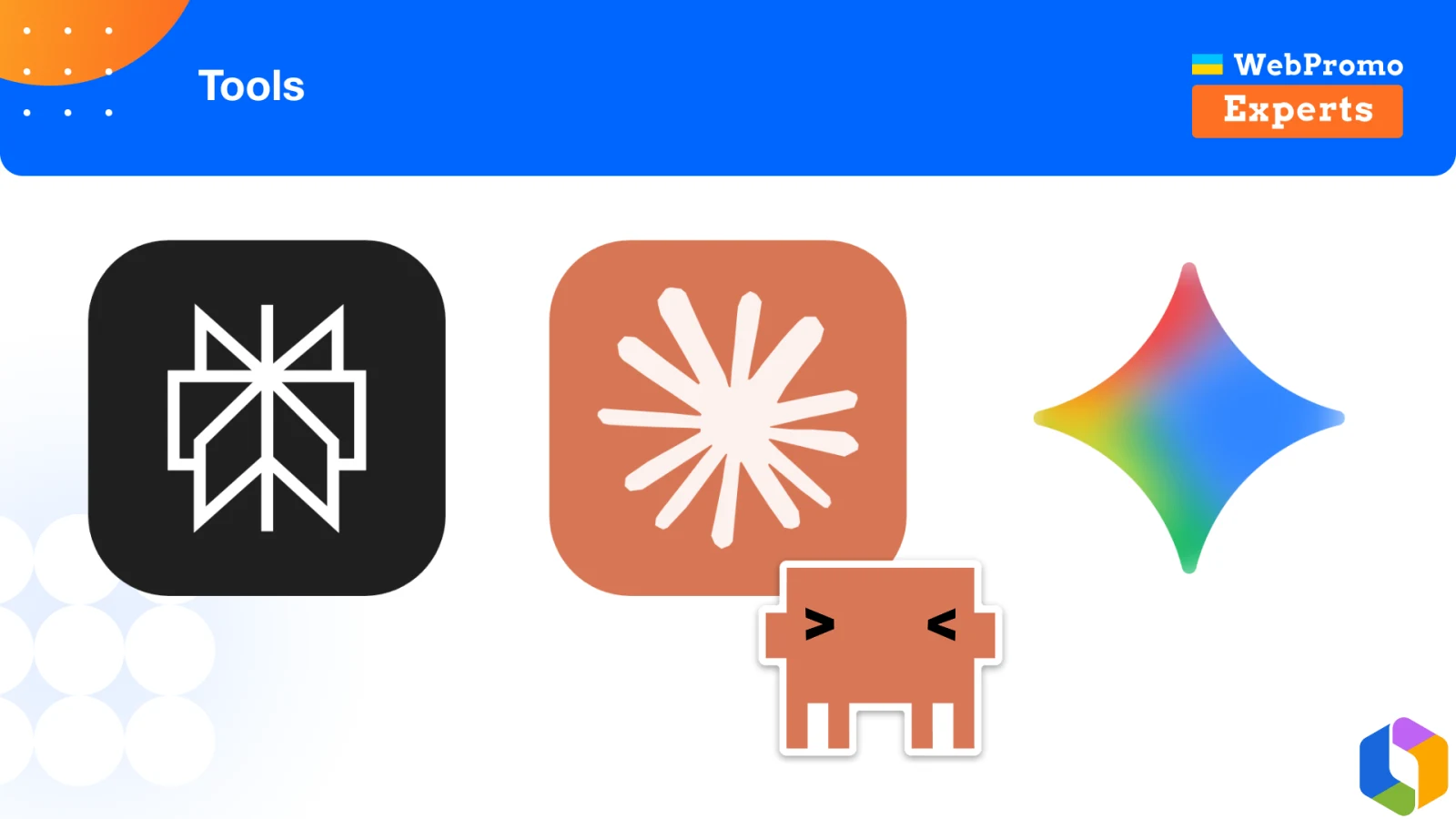
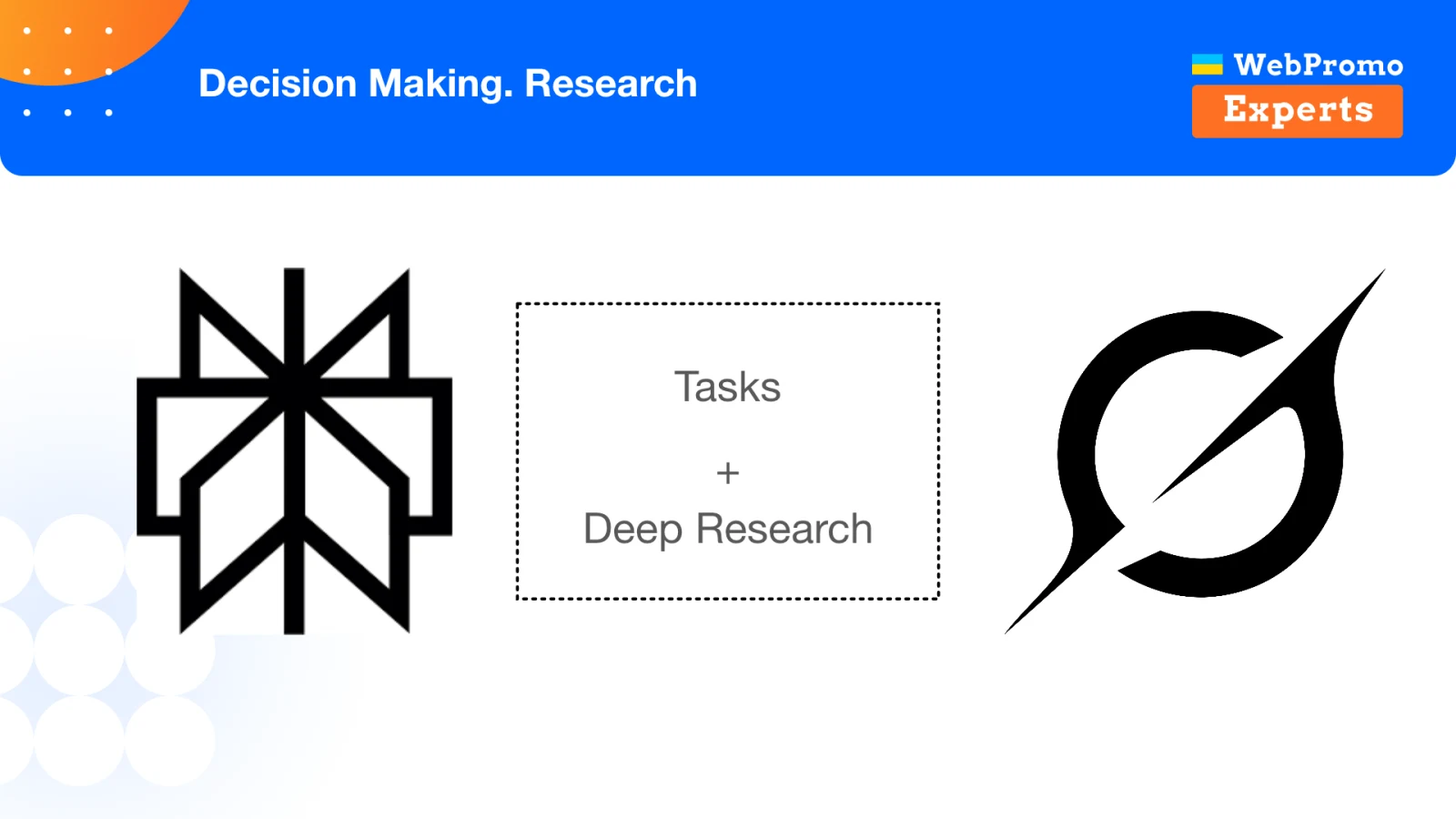
I use different tools every day: Perplexity for research, Google Gemini, Claude Code, and Atlassian Rovo for working with Jira and Confluence. The product names are not the important part. What matters is the function each tool performs and the context it receives.
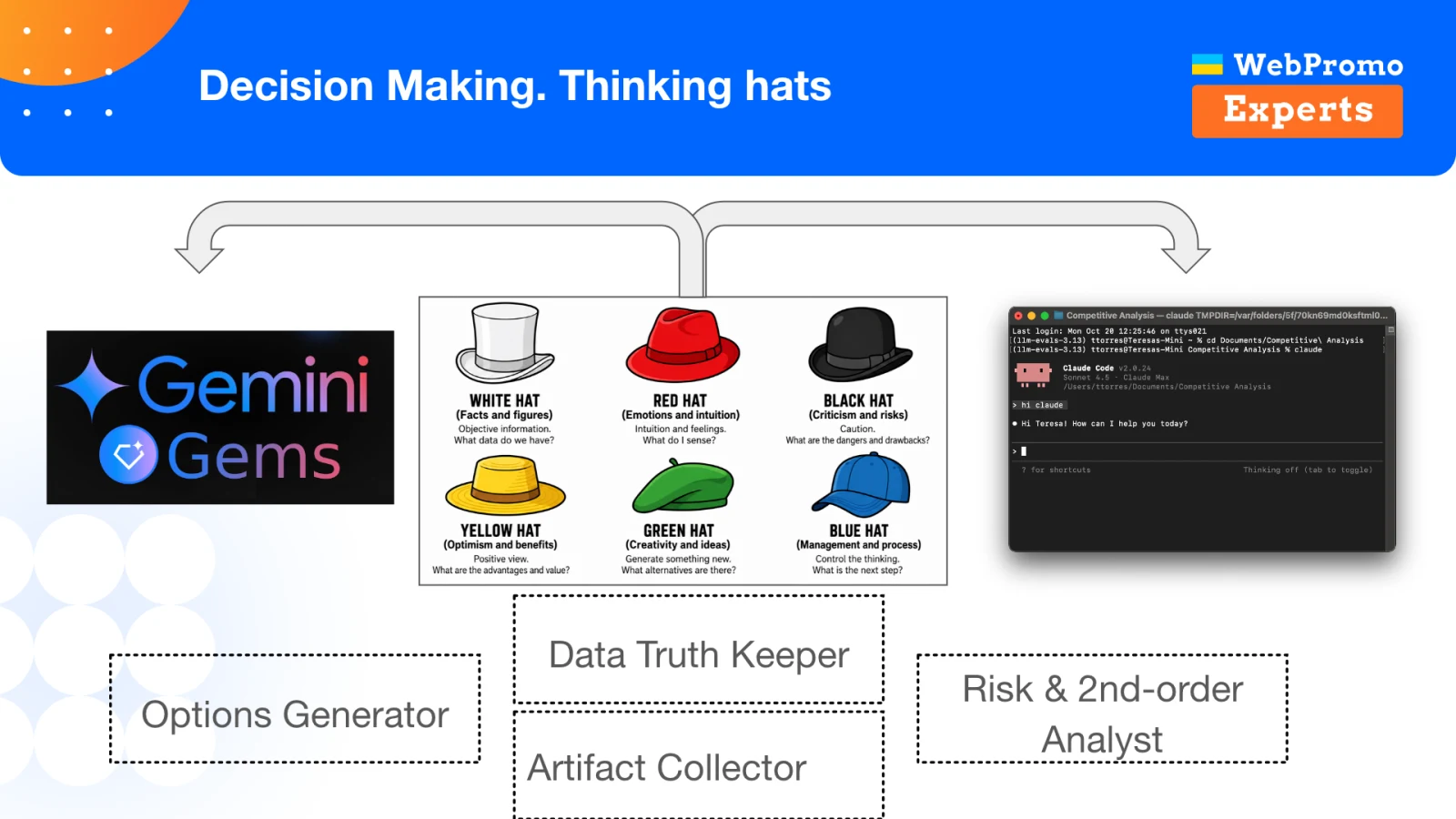
Rather than one universal agent, I prefer a collection of small chats, Gems, skills, or agents with narrow roles. The idea resembles the “six thinking hats”: one participant explores options, another protects the facts, and a third evaluates risk. I transfer those roles to AI tools.
The Options Generator
Suppose I want to change internal linking and start with a simple test: increase the number of links in a related-products block from 10 to 20. An options generator should not merely agree with the original idea. Its job is to suggest other ways to reach the goal.
It might point out that instead of mechanically adding links, we could consider product types or add a block featuring products that are frequently purchased together. The specialist still makes the decision. AI helps explore the option space more thoroughly before the team spends time implementing anything.
The Fact Keeper and Artifact Collector
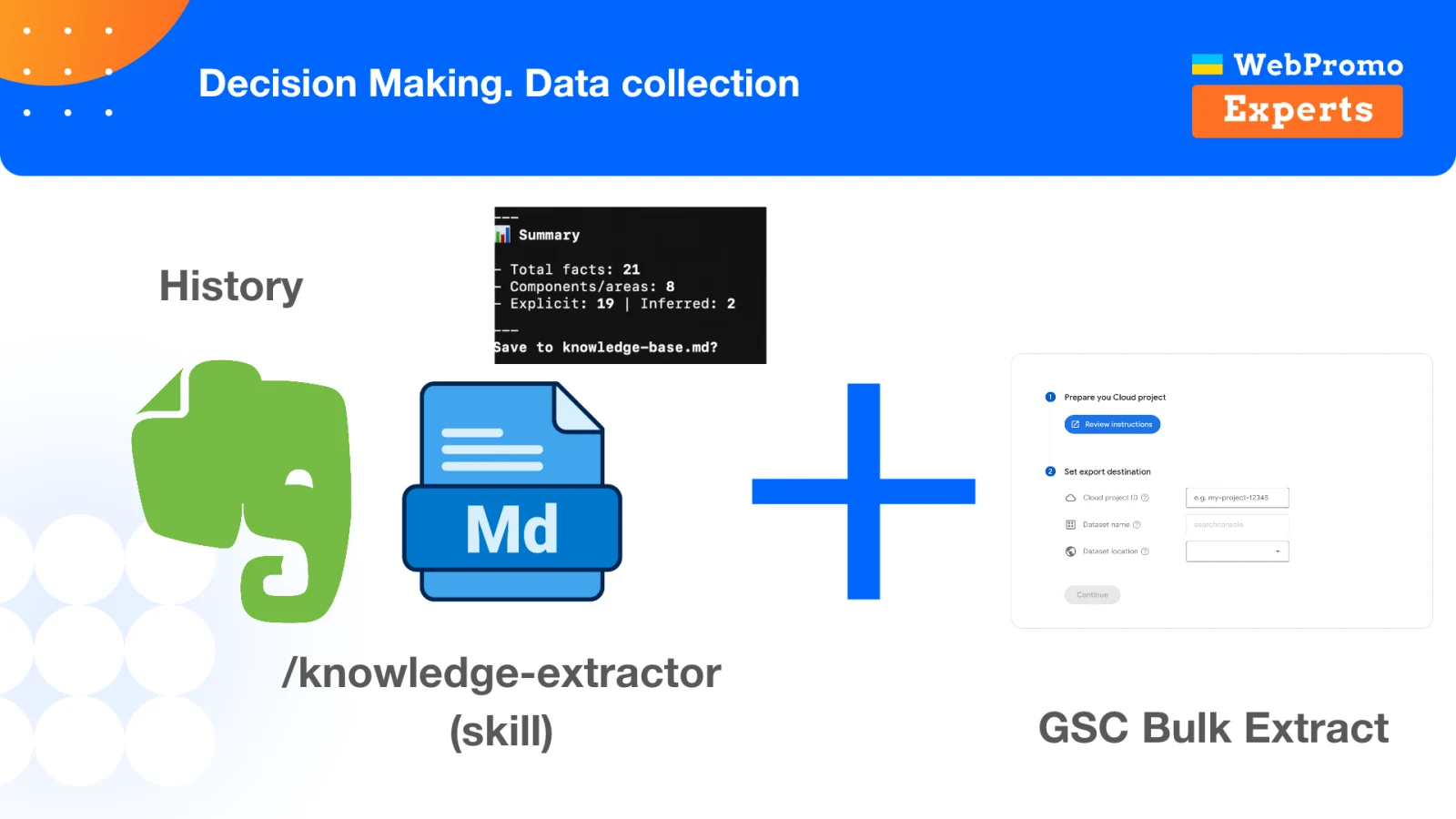
After a working session, we usually keep a transcript and a list of action items. Yet the most valuable information often sits between the two: how the database works, why a particular decision was made several years ago, what product constraints exist, and which approaches the team has already rejected.
I use a separate process that extracts those facts from conversations and adds them to the project documentation. A discussion with a developer, for example, becomes more than a list of tasks; it also produces a set of facts about how the system works. In one call, this collector identified 21 separate facts about the project.
Those facts then become context for other agents. As a result, AI no longer responds abstractly “as an SEO specialist.” It responds with the history and constraints of a particular website in view.
The Risk and Second-Order Effects Analyst
When a team evaluates a change, it usually understands the direct impact within its own area, but may overlook neighboring systems.
Here is one example from my consulting work. A site had incorrectly configured canonical tags. At the same time, the marketing team was working with Merchant Center and launched a large number of feeds containing different GET parameters in product and category URLs. Google discovered and indexed millions of those addresses, leaving the site with a huge volume of thin, duplicate content. Traffic fell.
A risk analyst should have connected the two changes from different areas and reminded the team to check how the new URLs interacted with canonical tags. That is what second-order effects are about: not only “What will our task do?” but also “What happens when its outcome meets other parts of the product?”
Making Decisions with AI
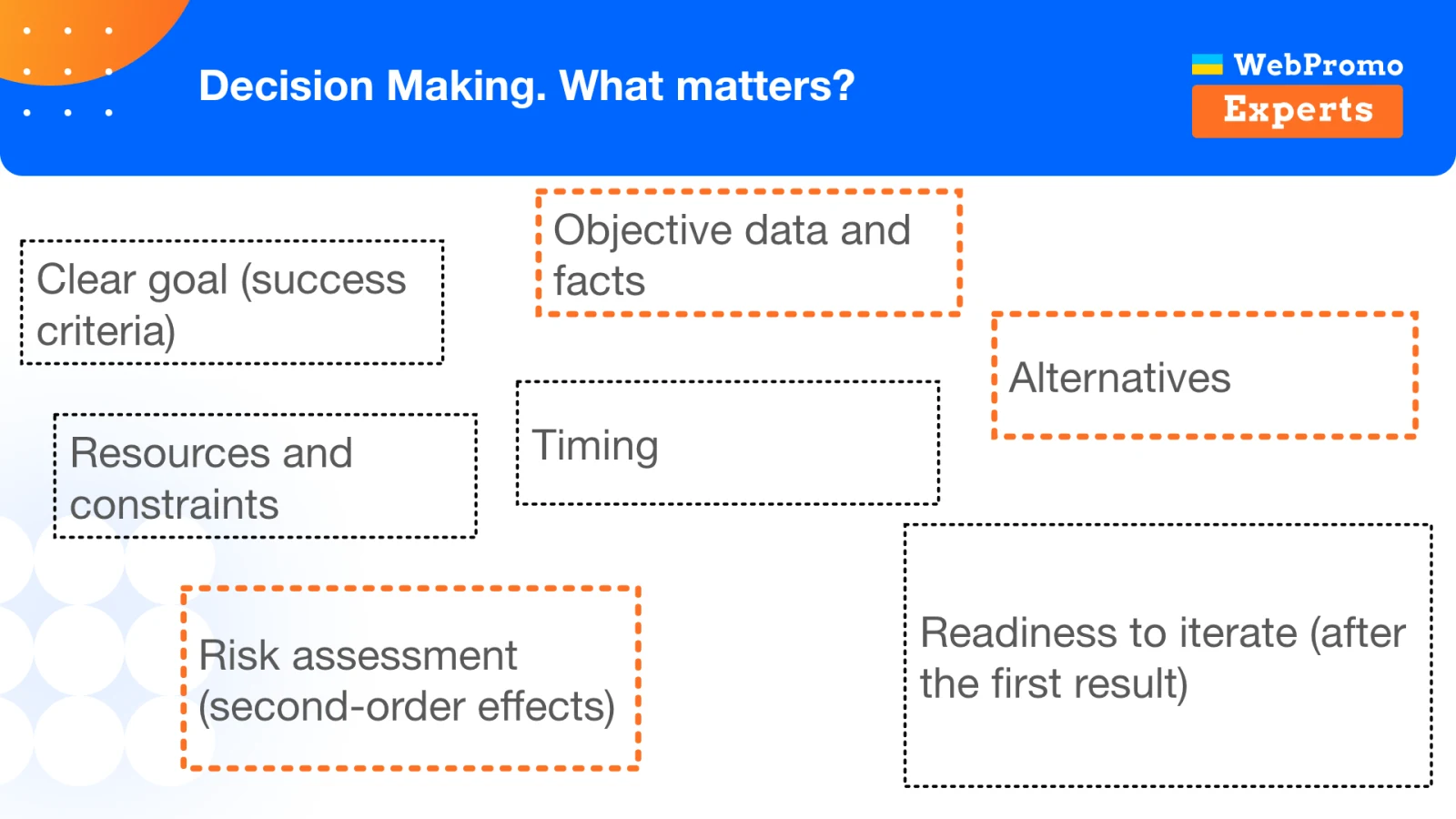
Before a redesign, content change, or internal-linking update, you need to describe the decision itself. At a minimum, define:
- a clear goal and success criteria;
- objective data and facts;
- available resources and constraints;
- alternative options;
- direct risks and second-order effects;
- the timing of the decision;
- readiness to iterate after the first result.
A redesign goal should not be “make the site look more modern.” Instead, we might state that after launch we expect higher sales, a lower bounce rate, or better Core Web Vitals. We should then decide in advance which data will confirm the result, what we will do if the metrics deteriorate, and how quickly we can roll the change back.
AI can help at every stage, provided that we do not simply ask it to “review the redesign.” Give it a specific role, rules, and context.
A Negotiator Gem for People Outside the SEO Team
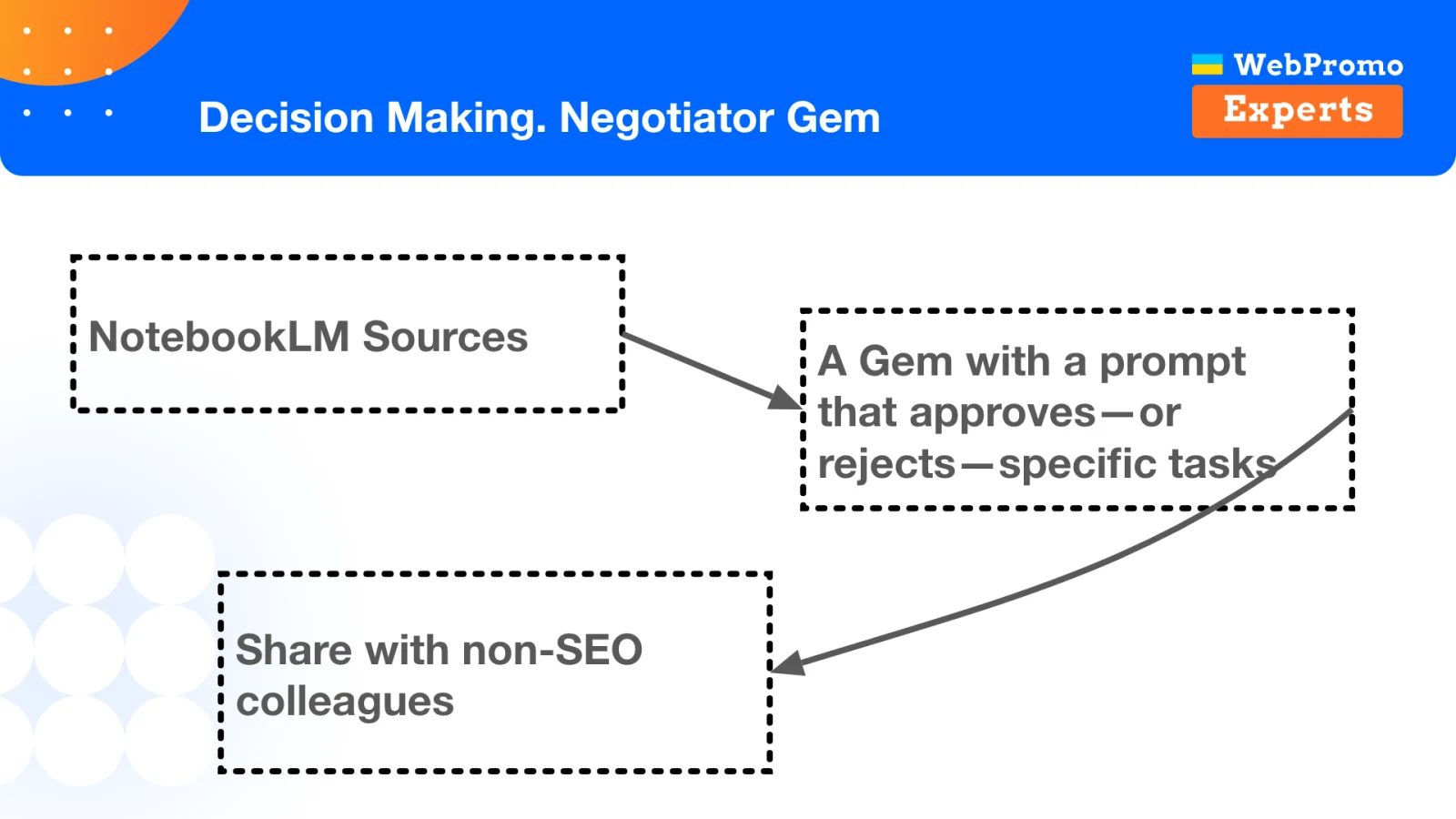
One approach I use is a Negotiator Gem in Google Gemini. I collect source material in NotebookLM: internal project rules, accumulated product knowledge, and relevant Google guidance. I then connect these materials to a Gem with a system prompt designed to review proposed tasks.
Someone outside the SEO team can describe a planned change and receive a preliminary assessment: either the task passes the check or it contains a risk that should be discussed with a specialist.
Imagine that a product recommendation block used to contain 10 links. During a redesign, the team decides to make the images larger, leave only five products in the initial HTML, and load the rest on the client after an additional user action. To a designer or developer, this may look like a purely interface-level decision. To Google, the number of accessible links has been cut in half, which breaks the planned internal-linking structure and may cost the site traffic.
Such a Gem does not replace a final SEO review. It catches a risk earlier, while the task is still being defined.
Claude.md and Skills for Repeatable Processes
A more flexible option is to use small agents and skills in Claude Code. The tool works with folders that may contain code, documentation, development rules, task descriptions, and data exports.
For an old ecommerce site, for example, you could create a skill that helps decide which products should be removed. The rules might state that a product has no image or fails another predefined requirement. Small scripts attached to the skill can retrieve product data from MySQL or BigQuery. Instead of a disposable prompt, you end up with a reproducible process built from rules, data, and an expected output.
Implementation complexity is not the point. Even a simple process that extracts important project facts after every call is useful. If a small mechanical part of the work can be delegated to AI reliably, do it - and save your attention for decisions that genuinely require expertise.
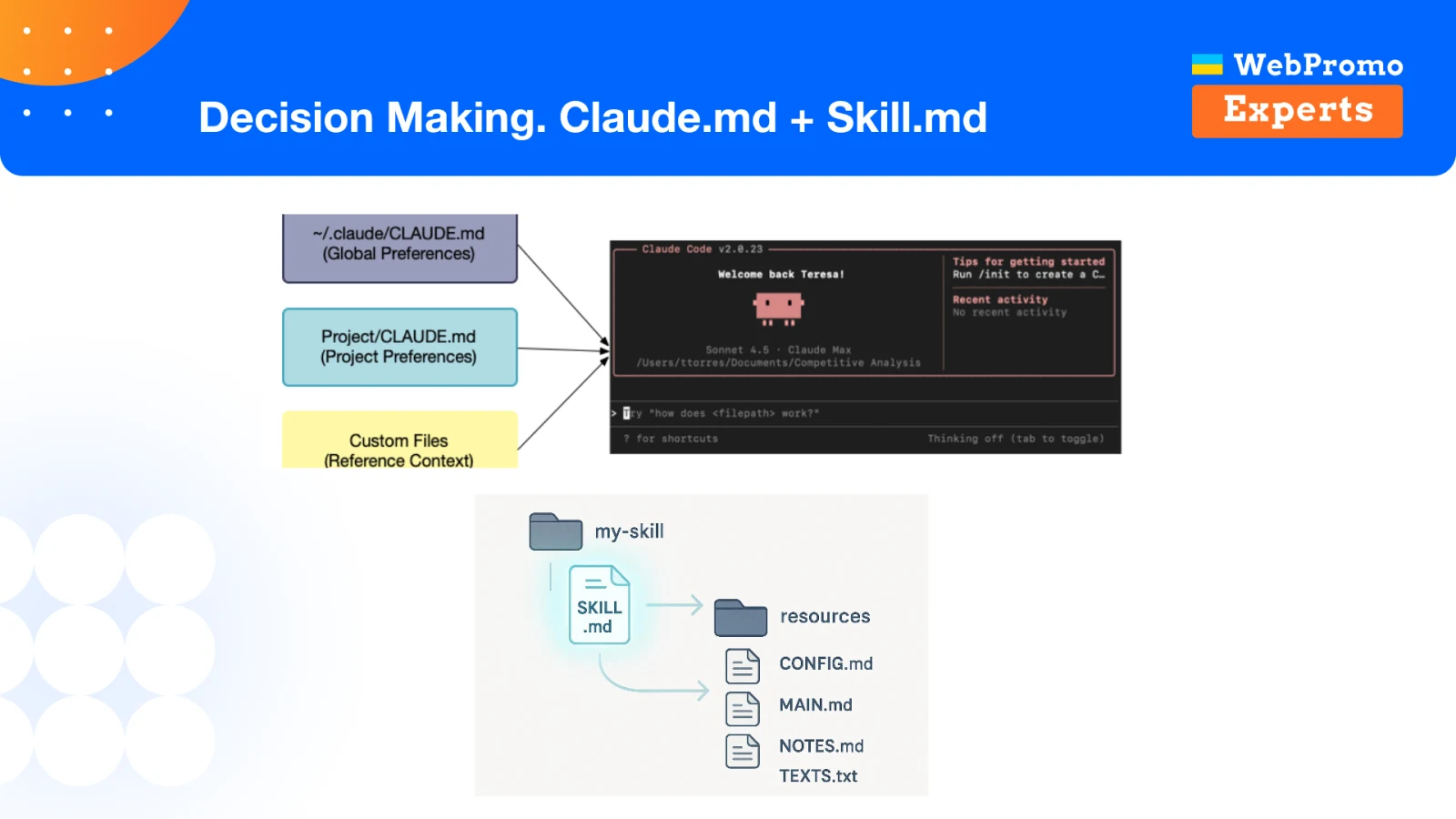
Context Is the Core of Any AI System
AI does not know the specifics of your project unless you tell it. A request such as “review this task as an SEO specialist” is not enough. You need to state explicitly what matters, which constraints must not be violated, and where the reliable data lives.
Useful context usually has two parts:
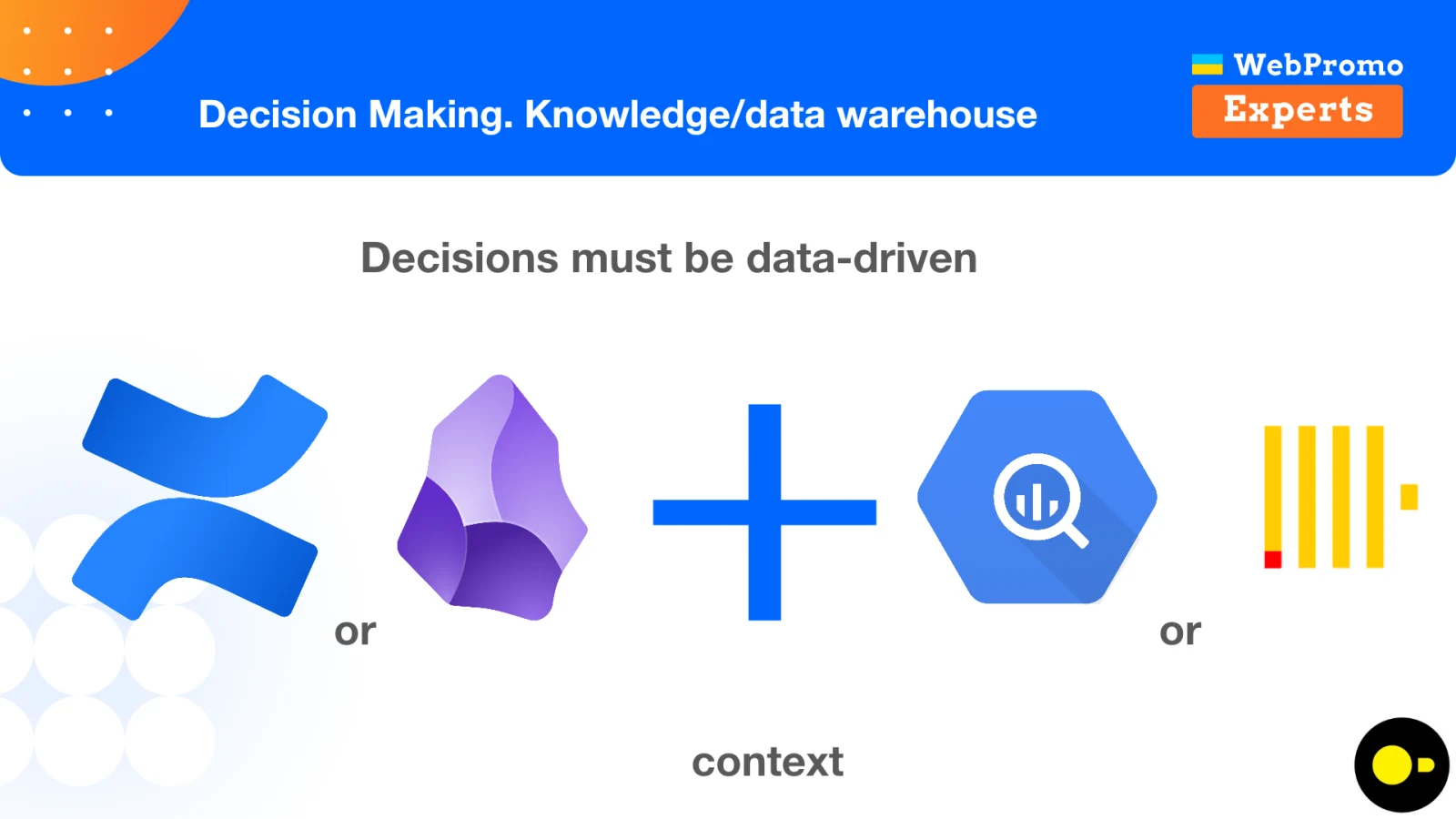
- Project knowledge. Documentation from Confluence or Obsidian, decision history, product rules, meeting transcripts, and development requirements.
- Data. For example, Google Search Console exports in BigQuery, product tables, analytics, and technical signals.
Decisions must be data-driven, but tables alone are not enough. Numbers without the context of releases, incidents, and site-specific behavior can easily produce the wrong conclusions. I build the context first, then create focused AI processes around it.
How to Analyze Traffic After a Release
Suppose we have made a decision and launched a redesign. Now we need to find out whether we broke anything along the way.
If the change affected apartment listing pages, checking their aggregate traffic is not enough. We also need to make sure that house listings, other property types, particular countries, or devices were not affected unexpectedly. The analysis must cover the whole site, not only the area where we expected a result.
Keep the Data in One Place
It helps when project data is stored in a single warehouse such as BigQuery, ClickHouse, MySQL, or another system. At a minimum, you need to know what tables exist, how they are structured, and what their fields mean.
That alone is enough to build a Gemini Gem that remembers the data structure and helps generate SQL queries. I know SQL, but I do not want to write every query from scratch. An assistant that knows the tables for a specific project saves me time every day.
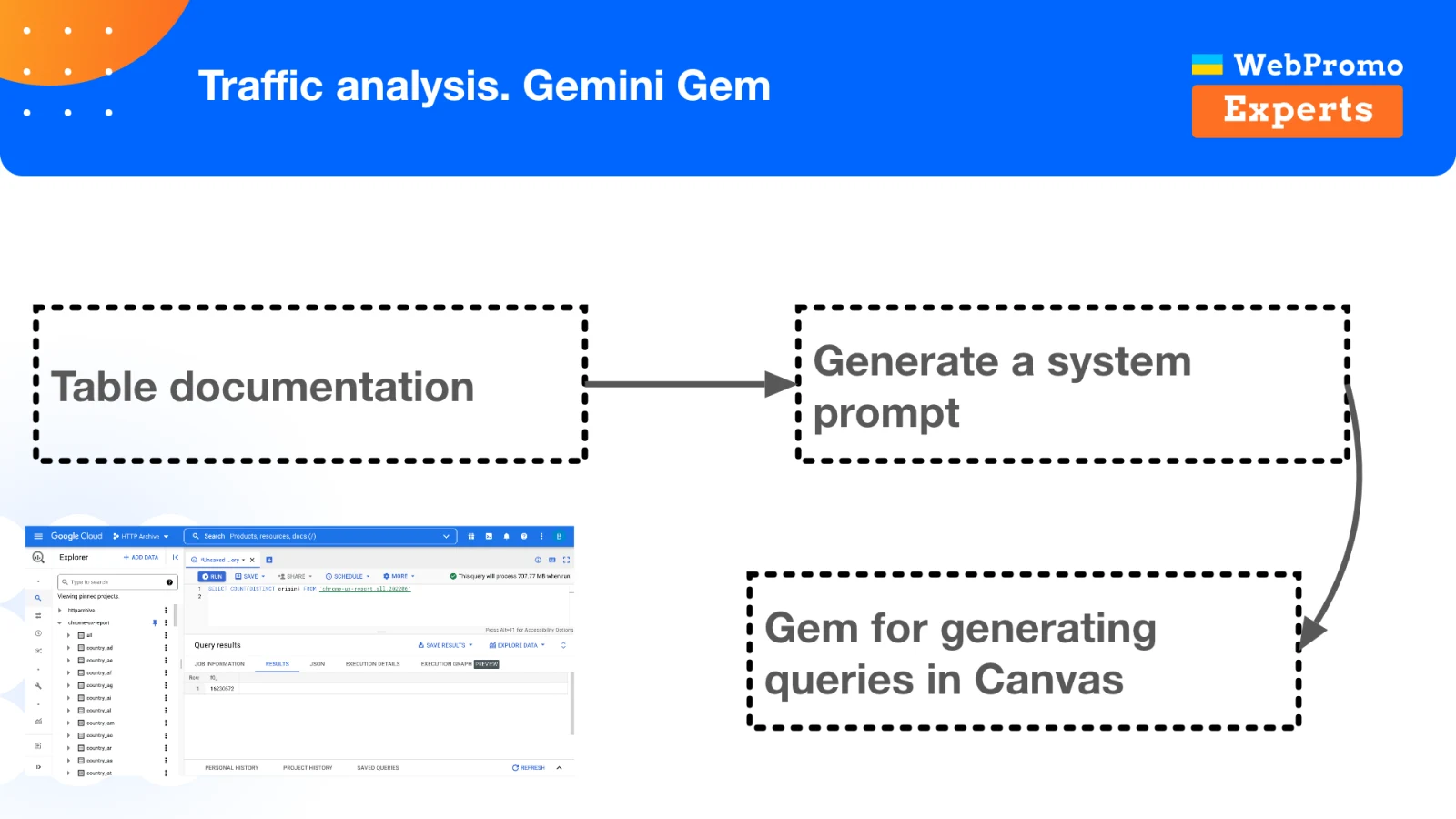
After a release, it can quickly help prepare queries to check:
- year-over-year traffic changes;
- ranking and impression trends;
- changes in bounce rate;
- differences between page types;
- shifts across countries and other segments.
Use Jupyter Notebook for Reproducible Analysis
When a SQL query is not enough and I need visualization, I use Jupyter Notebook. You can work with it locally in VS Code or Antigravity, or open Google Colab and connect to BigQuery or local files.
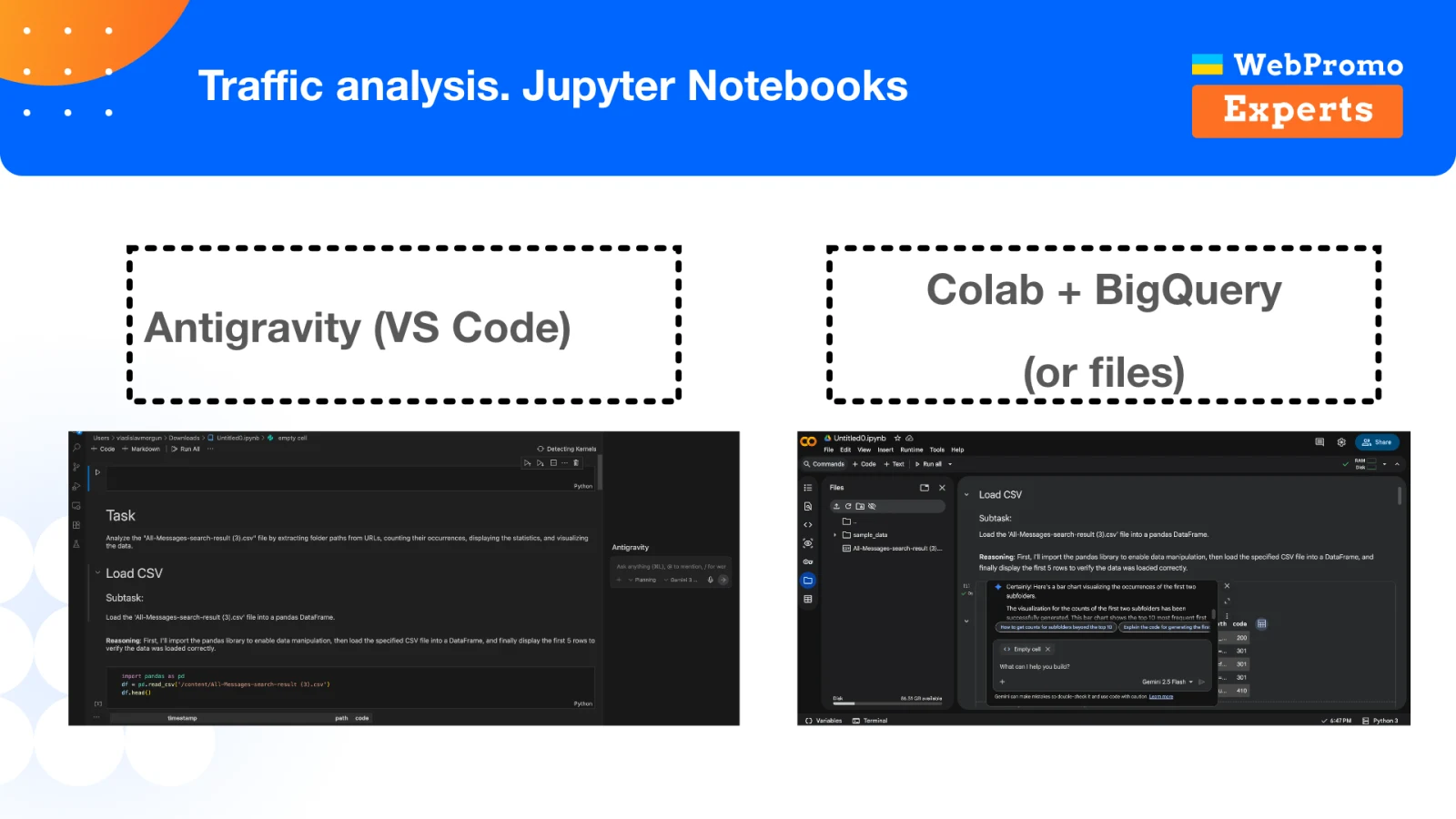
For example, you can ask AI to create code that compares traffic changes by country and checks whether traffic from one market has been replaced by traffic from another. The code, tables, and charts stay in one notebook, so the analysis can be repeated after the next release.
Over time, this produces two useful kinds of templates:
- analysis templates in which only the dates or data source need to change;
- output templates that define a consistent way to evaluate and present metrics.
Do Not Analyze Dates in a Vacuum
A release date is only one point on a timeline. Other events may have happened around it:
- a Google update;
- another product release;
- a technical incident;
- a period when the site was unavailable.
I store those dates separately and always include them in the context for analysis. Otherwise, you may conclude that a redesign produced an excellent result when its launch merely coincided with a Google update. Or you may blame the release for a drop that actually started because of a technical incident.
Where to Look for Hidden Technical Failures
Technical analysis requires three different views of a site:
- Server logs-what Googlebot actually requested.
- A crawl-what Screaming Frog, Netpeak Spider, or another crawler discovered.
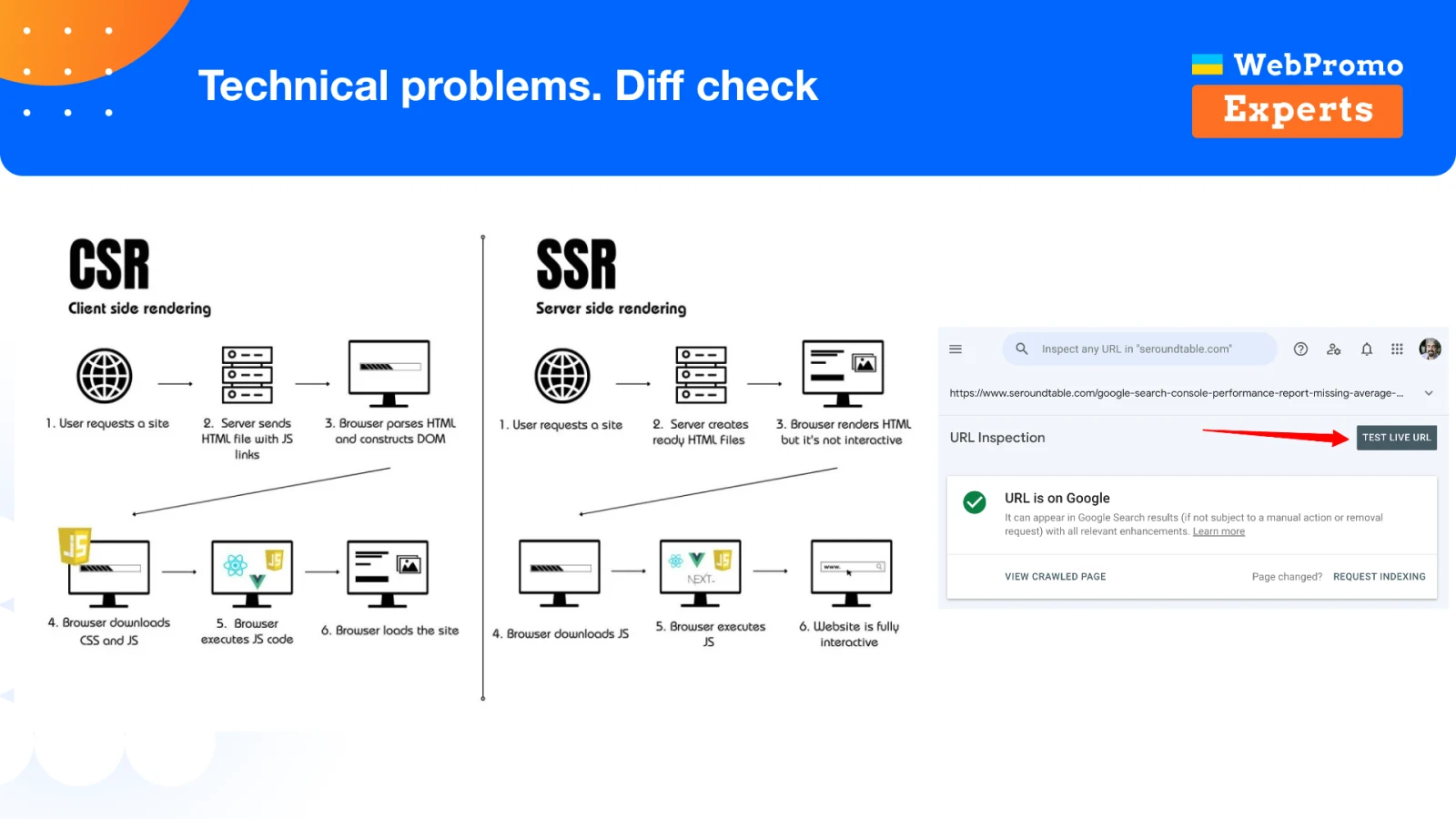
- The code Google sees-the final HTML of representative pages.
One source cannot replace another. A crawler shows the model of the site it can reach, but not where Googlebot actually spends its resources. The source code in a browser does not always match what the search bot receives either, especially on sites that mix SSR with client-side rendering.
Diff Checks for Representative Pages
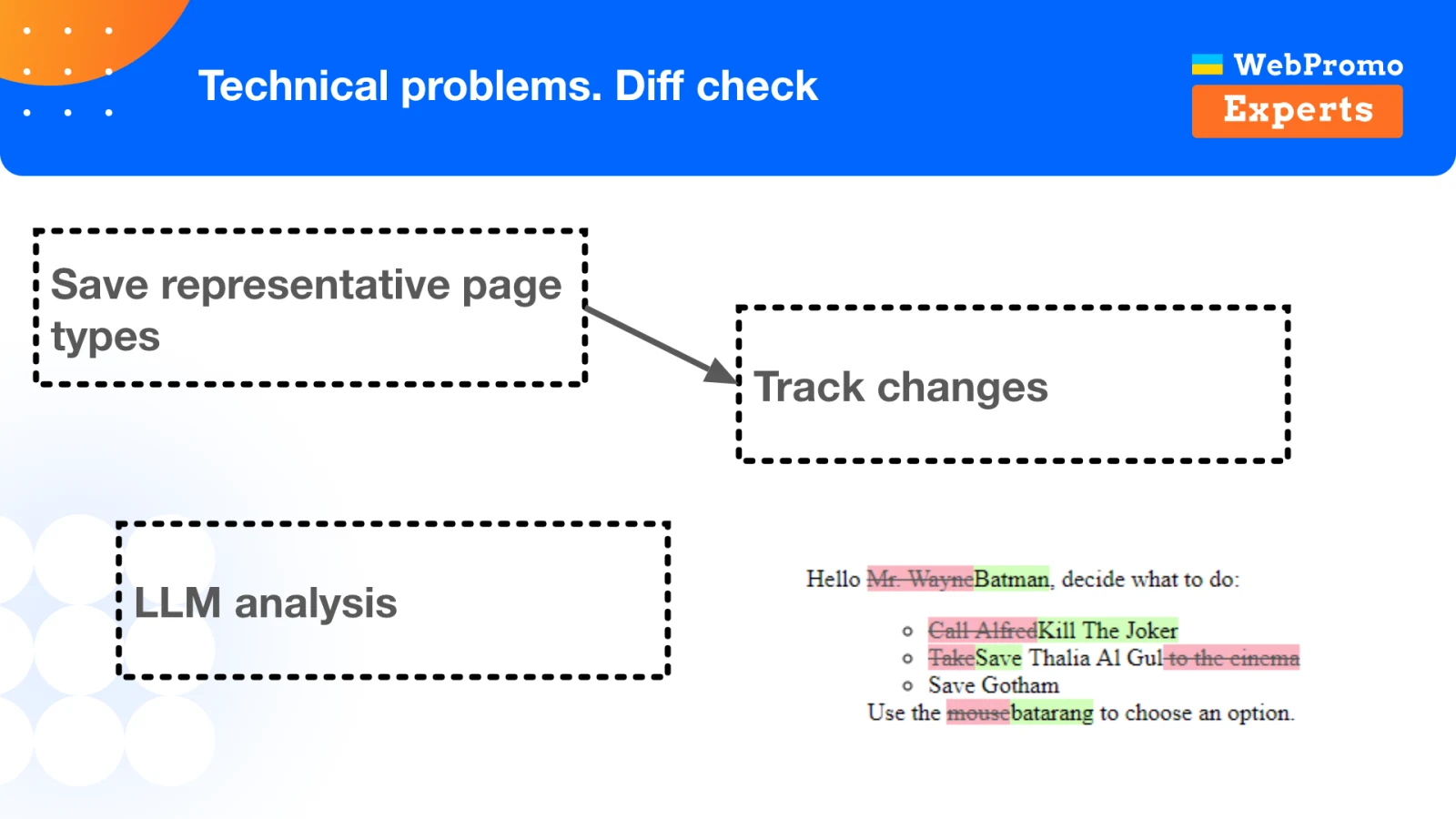
One of the most practical ways to identify technical problems is to save the HTML of several representative pages on a regular basis: the homepage, an important category, a product page, and other key templates. Then compare the versions and use an LLM to analyze the changes.
With a version from a week ago and the current version, it becomes much easier to spot that someone has:
- changed a canonical tag;
- added
noindex; - removed part of the content;
- altered links;
- moved an important block to client-side rendering.
These mistakes may sound too obvious to be common, yet they still happen. People struggle to compare all of the HTML closely every time. An LLM performs much better when it receives a focused diff instead of two enormous pages.
If you do not have your own saved versions, you may be able to compare a previous page version from crawl history with the current code that Google sees. The principle is what matters: do not look only at the page as it exists now; analyze what actually changed.
What Server Logs Can Tell You
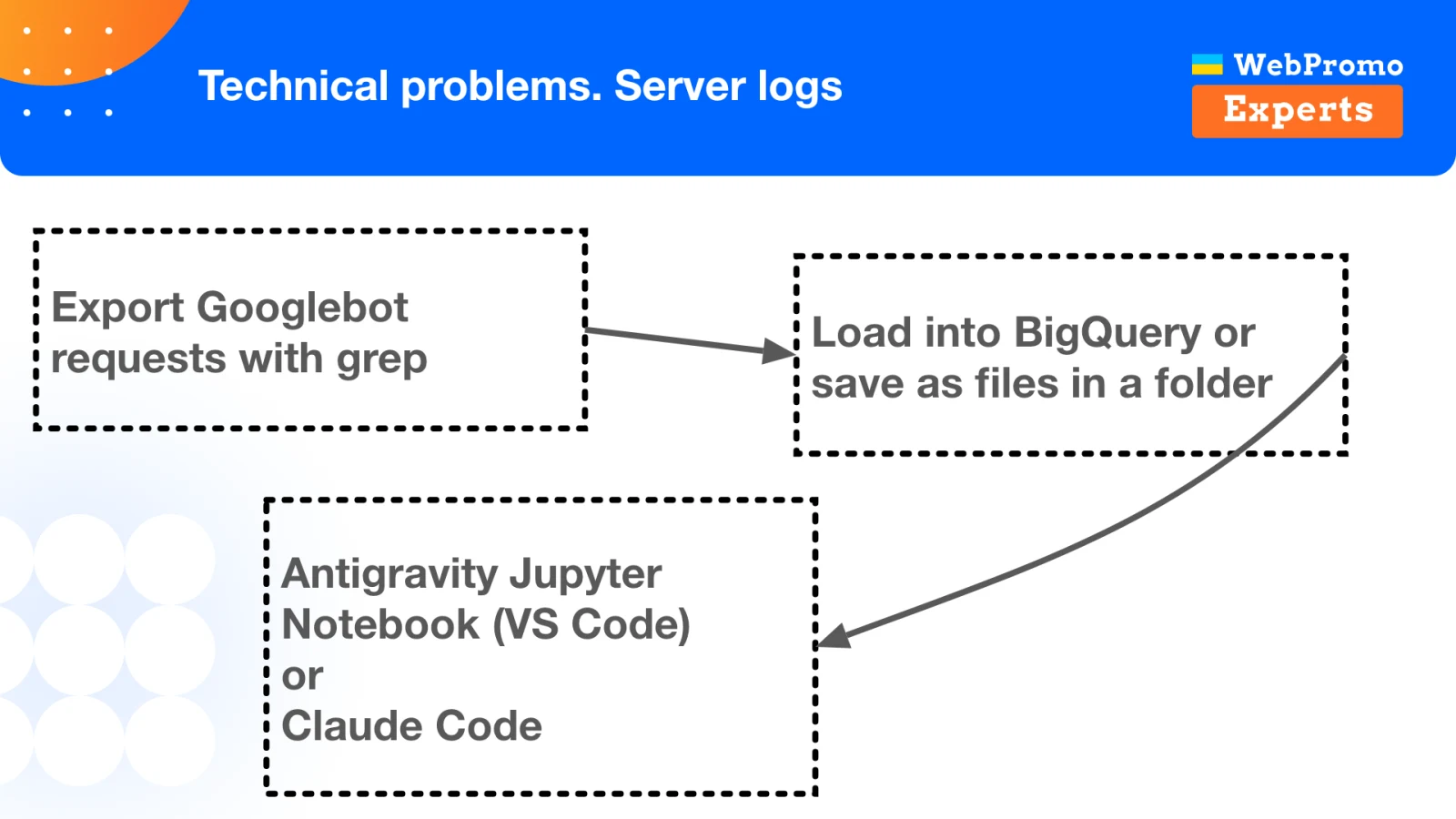
Server-log analysis used to require far more manual work. Today, you can ask developers to export a separate file containing Googlebot requests and then analyze it in Claude Code or Jupyter Notebook.
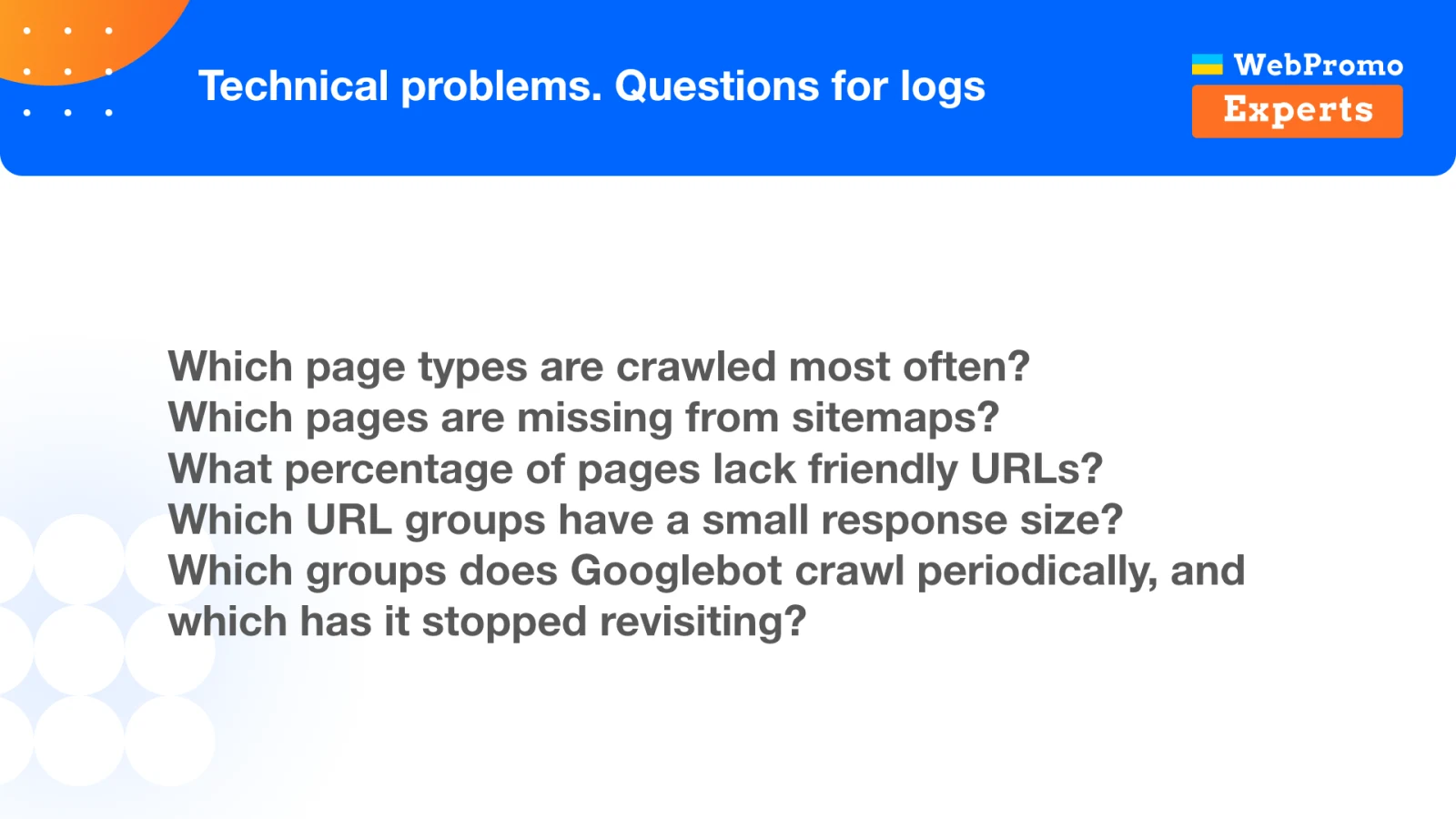
Useful questions for the logs include:
- Which page types does Googlebot crawl most often?
- Which URLs are missing from the sitemap?
- What percentage of addresses do not use a friendly URL format?
- Which URL groups return a suspiciously small response size?
- Which sections does Googlebot visit regularly, and which has it stopped revisiting?
- Has the number of URLs with GET parameters risen sharply?
On one project, response sizes in the logs showed me that Googlebot was visiting categories with only one or two products far too often. A standard crawl would not necessarily have exposed the priority of that problem. What mattered was the bot’s actual behavior.
Logs also answer another post-release question: has Google seen our changes? If we updated a large set of pages, simply waiting a week is not enough. First, confirm that Googlebot has revisited a substantial share of the affected URLs-80%, for example. Only then should you assess the release’s impact on search performance.
How to Anticipate a Problem Before Traffic Falls
We cannot eliminate failures completely, but we can detect some of them in advance. The key is to move from isolated checks to continuous signal monitoring.
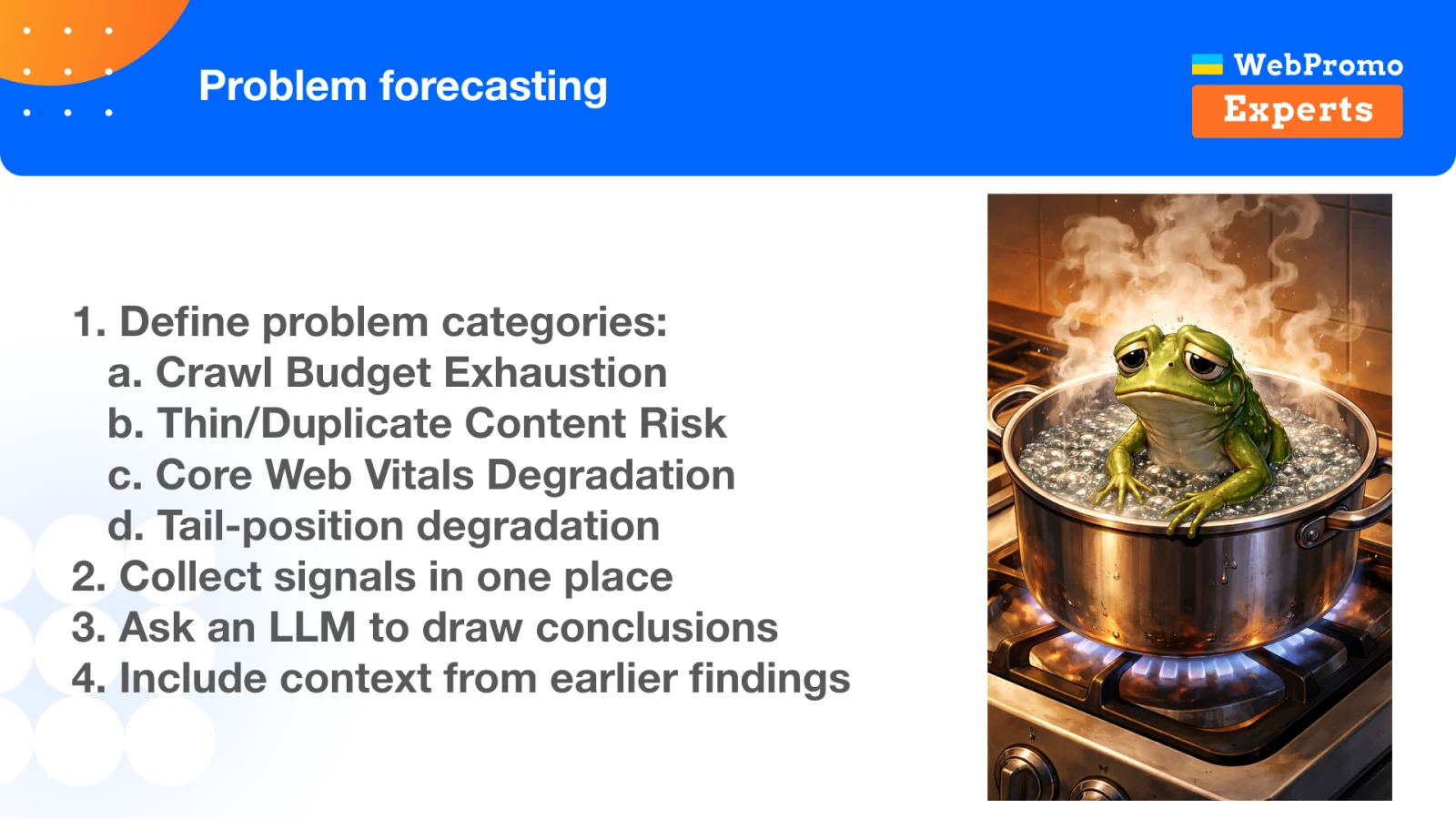
Start by defining the risk categories that matter for your site. For example:
- crawl budget exhaustion;
- growth in thin or duplicate content;
- Core Web Vitals degradation;
- gradual ranking losses across the long tail.
For each category, select measurable signals and bring them together in one place. Then pass them to an LLM along with the context and conclusions from previous analyses.
Imagine a large marketplace where sellers add products every day. The number of duplicate pages may grow gradually, while Google becomes unable to crawl the expanding inventory. At a minimum, track two charts side by side: the number of products added and the number of pages Googlebot requests per day.
If the catalog keeps growing for several weeks while Googlebot activity remains flat, the system can flag a risk: we are creating more URLs, but Google does not consider them valuable enough to allocate additional crawl budget. There may be no immediate drop. The problem may surface later, when Google reassesses the site during another Core Update.
Do not simply send a fresh set of numbers to the LLM every week. Include the history of previous observations: how long the trend has persisted, which releases occurred, and which hypotheses have already been tested. The model can then monitor change over time instead of starting from scratch on every run.
A Practical Workflow: From Idea to Monitoring
The full approach can be summarized as a single sequence:
- Define the goal of the change and its success criteria.
- Collect the facts, constraints, and project history.
- Generate alternatives instead of accepting the first option automatically.
- Check direct risks and effects on neighboring systems.
- Record release and incident dates.
- After launch, verify traffic, technical health, and Googlebot’s actual crawl behavior.
- Save the analysis results and use them as context for the next iteration.
AI can help at every step, but it must not become the only source of truth. The truth lives in the data, documentation, code, and Googlebot’s real behavior. The model connects those sources and accelerates the specialist’s work.
Conclusion
AI can write code, build automations, and generate text. All of that is useful, but it can do something equally important for SEO: help structure decisions, preserve project knowledge, analyze data faster, and detect weak signals before they turn into a major loss.
I would leave you with two principles.
First, AI is not always right. The more reliable and current context we provide, the more useful its conclusions become.
Second, start small. You do not need to build a complex multi-agent system on day one. If AI can extract important facts from a call, prepare a SQL query, compare two HTML versions, or surface a forgotten risk, that is already enough to save time and prevent another failure.
The closing slide is intentionally simple: after the tools, cases, and workflows, responsibility returns to the specialist who must answer questions, verify the result, and decide what happens next.
Continue exploring
Related reading

Build Systems, Set Goals: A Goal-Oriented Approach to AI in SEO and Product Work
A practical approach to AI systems: goals, context, task files, agent loops, verification, and the limits of delegation.
AI for Programmatic SEO: Context Before Content at Scale
A practical context-engineering system for combining SEO data, project knowledge, small models, agents, and repeatable workflows.

The Inspector Gadget Mindset for AI-Assisted SEO
How to choose AI tools by task, model size, cost, context, and team capacity - and turn experiments into reusable SEO systems.